 Decks
DecksHome › Games › FreeCell Solitaire — rules, moves and strategy
FreeCell: the solitaire where everything is on the table
FreeCell is the open solitaire: all fifty-two cards are dealt face up from the start, there is no stock and no luck of the draw. What you see is everything there is, and nearly every deal can be won. That makes it the solitaire of pure planning — and the one where a careless first move is the usual cause of a loss.
FreeCell with the whole table in view and undo without penalty. Free to download; daily game limit without Premium.

 Scan with your phone to install
Rules of FreeCell
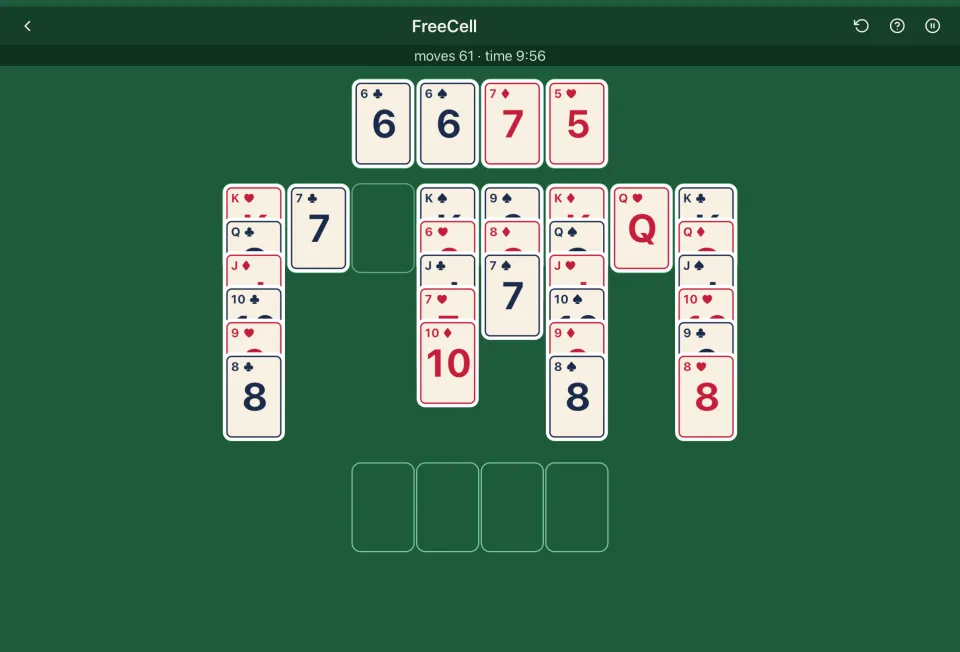
The layout. Fifty-two cards are dealt face up into eight columns: seven cards in the first four, six in the last four. Above them are four free cells and four foundations, all empty.
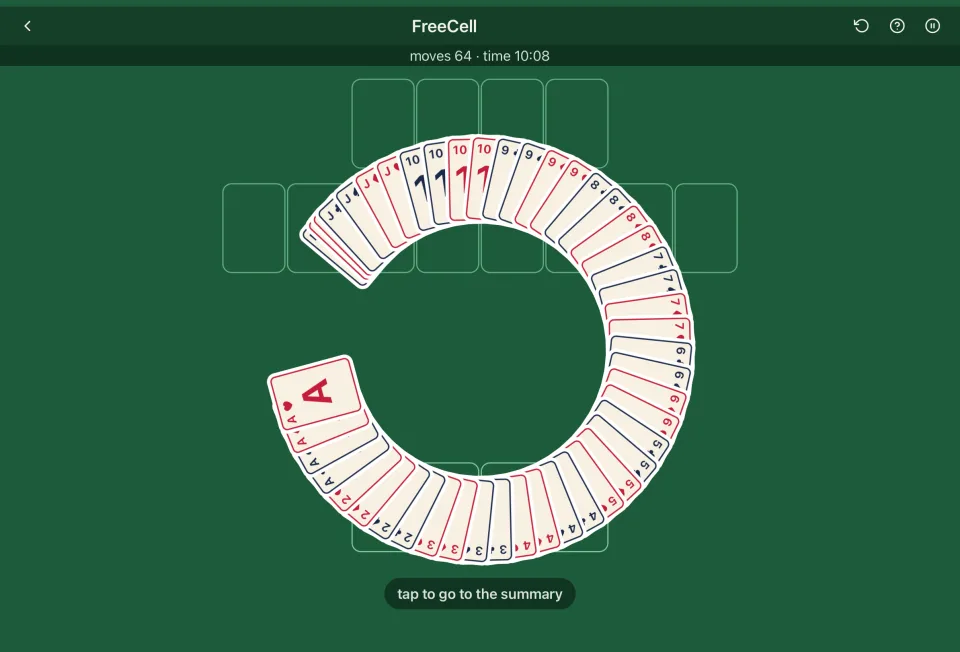
Foundations. Built up by suit from ace to king. Moving all cards to the foundations wins.
Columns. Cards are built down in rank and alternate in colour: a red nine on a black ten. An empty column takes any card, not only a king.
Free cells. Each holds one card of any kind. A card in a free cell can be moved back to a column or to a foundation at any time.
Moving several cards. Officially you move one card at a time. In practice a packet of correctly built cards may be moved as one, as long as it could have been moved card by card through the free cells and empty columns. The limit is (free cells + 1) × (empty columns + 1); when the cards are moving INTO an empty column, that column does not count. With four free cells and no empty column, five cards; with one empty column, ten; with two, fifteen. Decks enforces this limit.
Automatic moves. A card no longer needed by anyone — an ace, or a card whose lower neighbours of the opposite colour are already home — goes to its foundation by itself.
Are FreeCell deals winnable?
Almost all of them: of the original 32,000 Microsoft deals, all but one are solvable. Details on Is every solitaire deal winnable?.
Strategy
- Free the aces and twos first. Look for them before the first move. A deal where the aces are buried at the bottom of long columns needs a different opening than one where they sit on top.
- Keep the free cells free. They are your working memory. Filling all four is how most games are lost; a game with three empty cells is comfortable, with one it is on the edge.
- Empty a column before filling a cell. An empty column is worth two free cells, and a run can be built on it. A card parked in a cell is worth nothing until it comes out.
- Do not send cards home too early. A black five on the foundation cannot hold a red four in a column. Send a card home when nothing on the table needs it.
- Plan the whole sequence. FreeCell rewards looking four or five moves ahead: "free cell, free cell, empty column, unwind" is the usual shape of a good move.
- Undo is a tool, not a confession. Decks does not penalise undo. Trying a line and taking it back is how the game is meant to be played.
FreeCell in Decks
A rules page one tap away, undo without penalty, and a history of every round with its deal code. No ads, no account, works offline. Free to download; daily game limit without Premium. The checklist in Solitaire without ads on iPhone is how we check the "no ads" claim.
Frequently asked questions
How many cards can you move at once in FreeCell? (Empty free cells + 1) × (empty columns + 1). Four free cells and no empty column: five cards; with one empty column, ten.
Can you put any card in an empty column? Yes — unlike Klondike, an empty FreeCell column takes any card.
Is every FreeCell game winnable? Nearly. Deal 11982 of the original 32,000 Microsoft deals is the only unsolvable one among them, and a 2018 study of 8.6 billion FreeCell Pro deals (Pringle & Fish) found about one in 84,000 impossible.
What is the difference between FreeCell and Klondike? No stock and no face-down cards: everything is visible from the first move, and free cells replace luck with planning. For how FreeCell sits among other variants, see Which solitaire to play.
FreeCell with the whole table in view and undo without penalty. Free to download; daily game limit without Premium.
Scan with your phone to installAlso in Decks
- Black Hole Solitaire — rules and strategy
- Double Klondike — two-deck solitaire with nine columns
- Golf Solitaire — rules and strategy
- Klondike Solitaire — rules, five levels and strategy
- Memo — the memory card game, four sizes
- Pyramid Solitaire — rules, levels and strategy
- Spanish Solitaire — Klondike with a 40-card Spanish deck
- Spider Solitaire — 1, 2 and 4 suits
- Tower of Hanoi — with cards, three or four places, plus Two Towers
- TriPeaks Solitaire — rules and strategy
- Yukon Solitaire — rules and strategy